Photoshop Grain Illustration
1 min read

Image Credit: Zach Moore
Resources
- Inspiration:
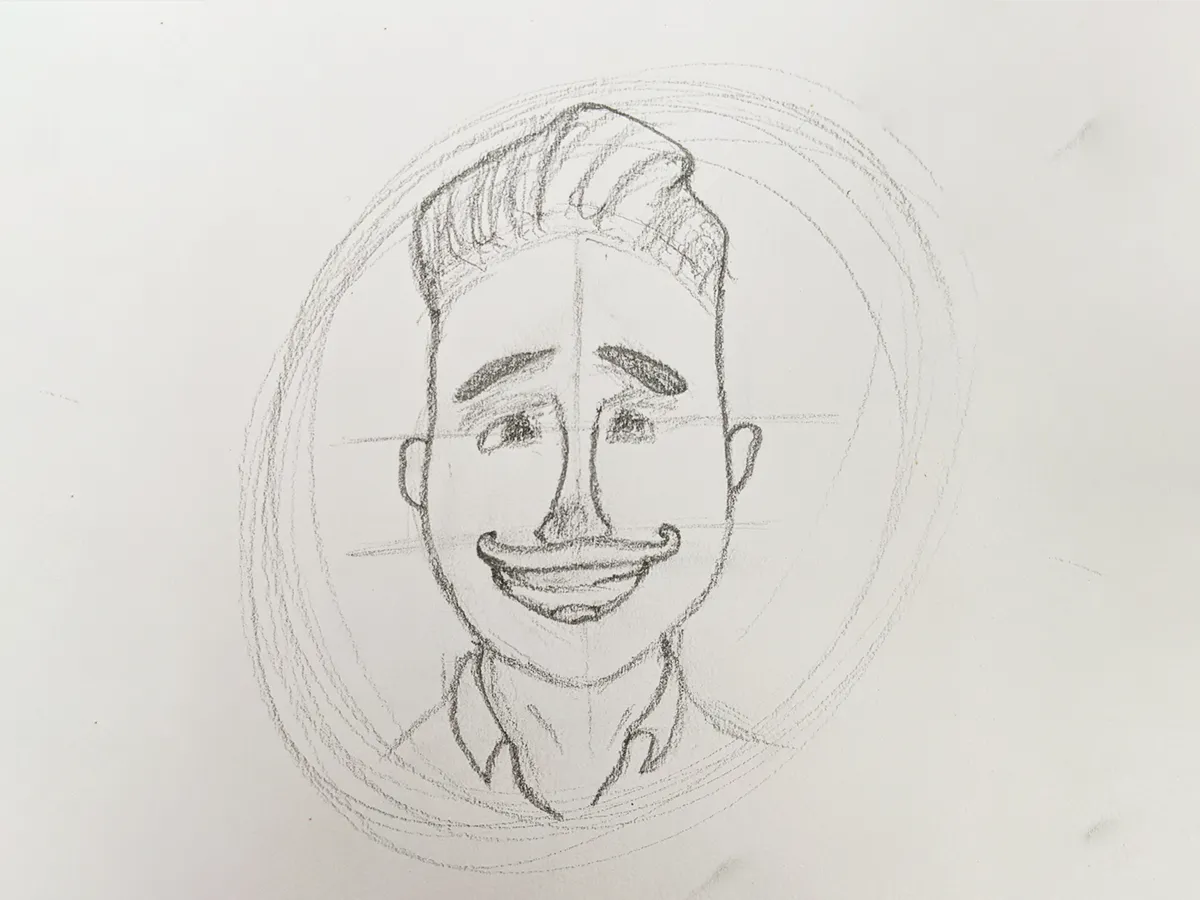
I wanted to get better at digital illustration, especially shading and lighting. The video above inspired me to try Photoshop’s grain brushes for soft, textured shadows and highlights over a vector base, using a portrait of my brother for practice.
Sketch and Shading
I started with a pencil sketch on paper, scanned it into Photoshop, and created vector shape layers for each color area: skin, hair, eyes, clothing, and background.
From there, I used grain brushes, blend modes, and different opacities to layer dark and light colors into shadows and highlights.



Suggest an edit
Last modified: 27 Oct 2026