iPad Mini Smart Home Center

Image Credit: Zach Moore
Resources
Situation
I wanted a centralized place to control the house without needing to hand someone my phone or unlock an app every time. It needed to handle the usual smart home tasks like viewing cameras, controlling music, and managing devices, while also looking intentional enough to leave mounted on the wall full time.
Task
Design a minimal wall-mounted holder for an iPad Mini 7 that would keep the tablet easy to slide in and out, preserve access to the power button, volume controls, and charging port, and visually fit next to the thermostat.
Action
- Started with an existing iPad Mini 7 model from Printables as a dimensional reference.
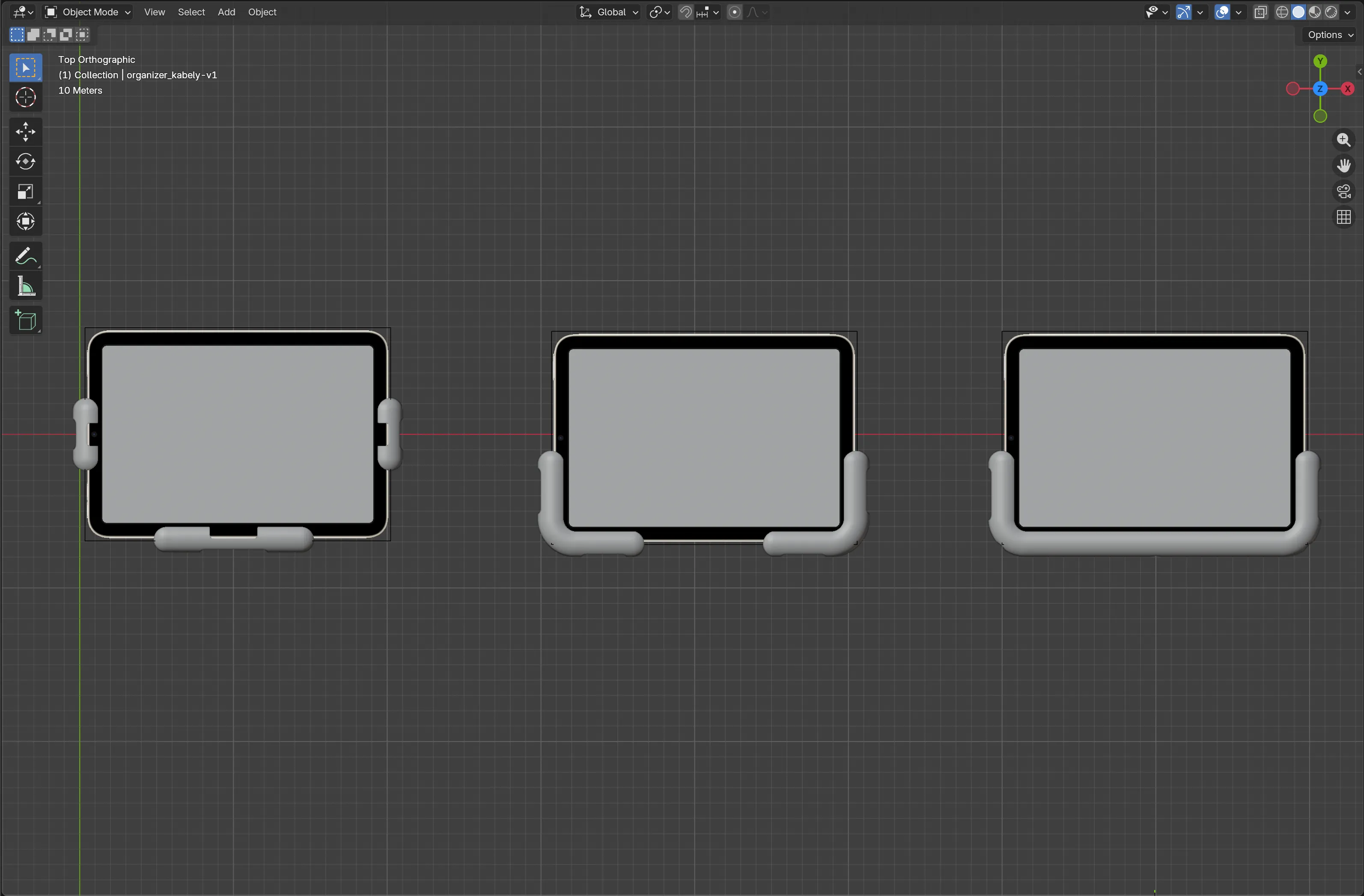
- Modeled around it in Blender and went through several rounds of test prints to refine the fit.
- Initially, I used a three-piece design, but found it had too many parts and didn’t look as clean as I wanted.
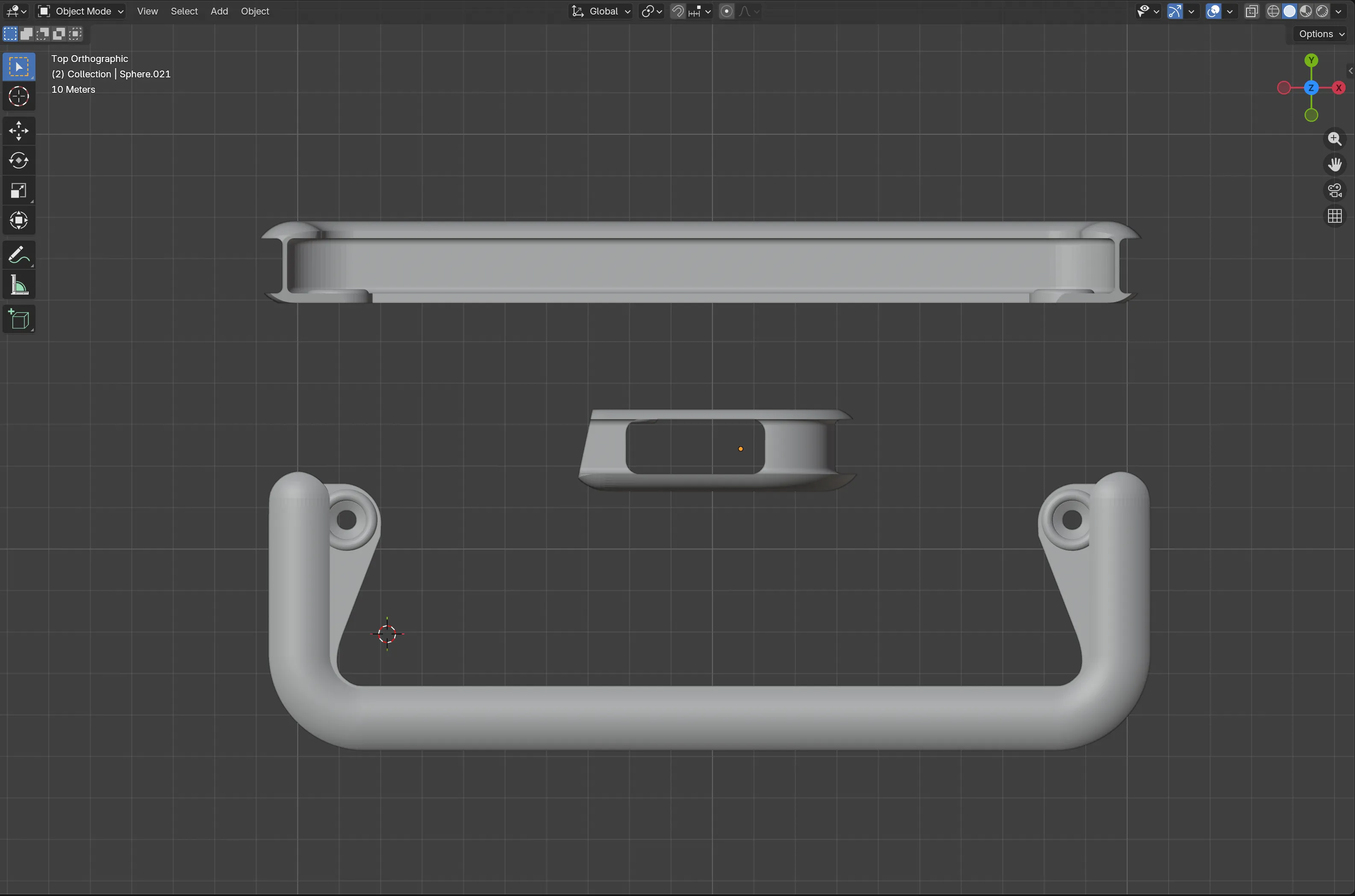
- I settled on a minimal, rounded design that lets the iPad slide into place while still providing access to the buttons, charging port, and Apple Pencil.
- As a final touch, I added a continuous slot around the perimeter to allow a charging cable to be hidden in the frame, keeping things visually tidy. The cable can be tucked into the slots and ran down the wall to the outlet below.
Result
The finished mount sits next to the smart thermostat and gives us a single place to control the house. It works well for viewing all the cameras, playing music on multiple HomePods, controlling the rest of the smart home devices, and guests can use it without needing anything installed on their own phone.
Last modified: 12 Sep 2026